Connecting a Camera
“Materials in this manual have been reproduced with the permission of Persistent Systems, LLC, Copyright © 2026. References to Wave Relay® are made with the permission of Persistent Systems, LLC, the sole owner of the Wave Relay® registered trademark and Wave Relay® technology, and do not constitute or imply endorsement by the United States Government.”
Overview
How to connect a camera with BNC output to the MPU5, sourced from the official MPU5 Basic Operator Manual (Part V: Device Operation).
Manual Reference
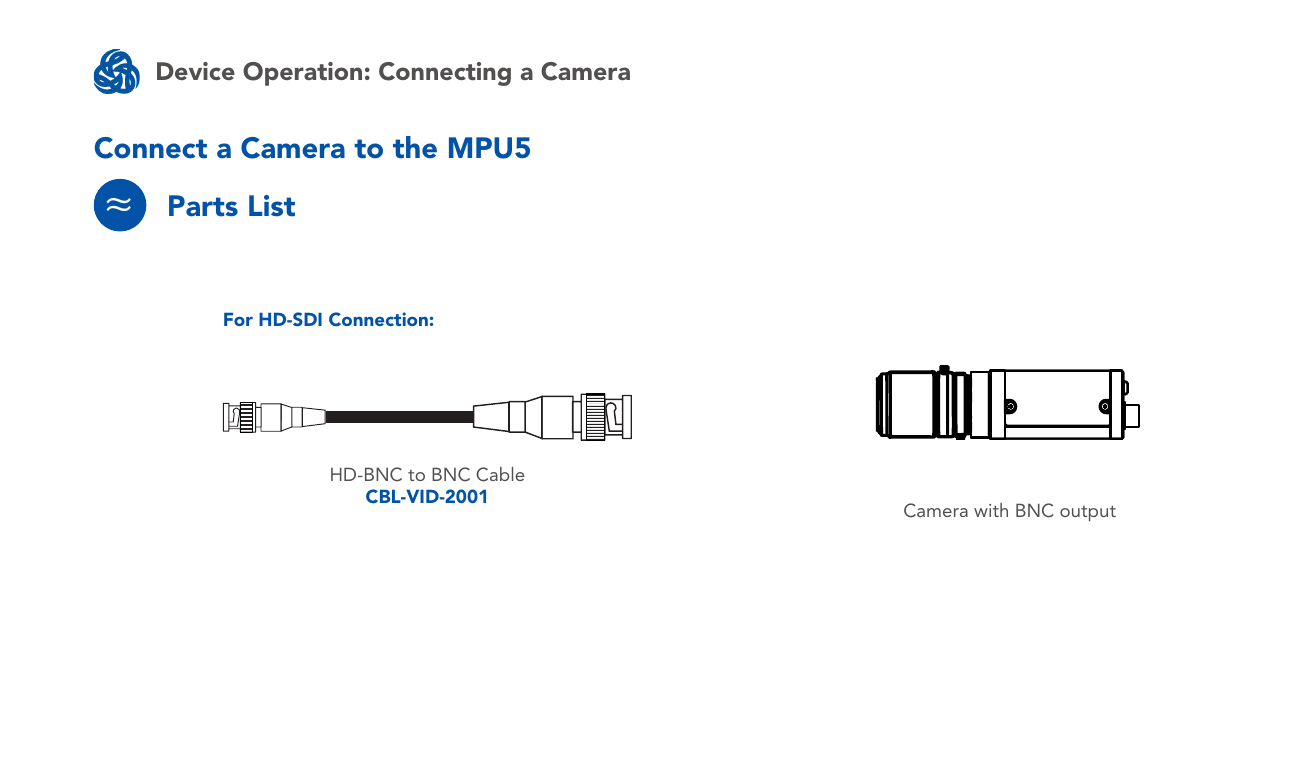
Parts list
- Camera with BNC output
- HD-BNC to BNC Cable (CBL-VID-2001) — for HD-SDI connection
Connect the camera
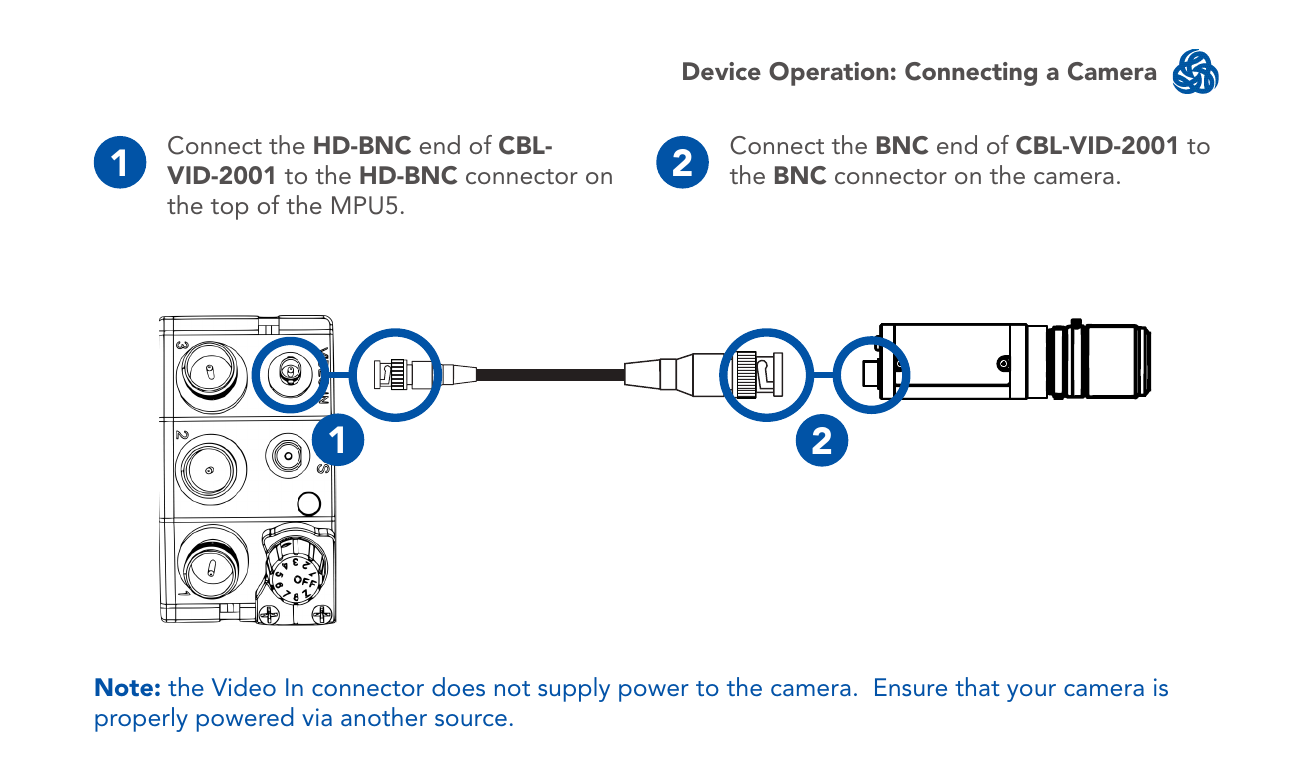
- Connect the HD-BNC end of CBL-VID-2001 to the HD-BNC connector on the top of the MPU5.
- Connect the BNC end of CBL-VID-2001 to the BNC connector on the camera.
Note: the Video In connector does not supply power to the camera. Ensure that your camera is properly powered via another source.
Source
MPU5 (WR-5100) Basic Operator Manual, v3.2, 03EN073 Rev. P — Part V: Device Operation, pages 94–95.